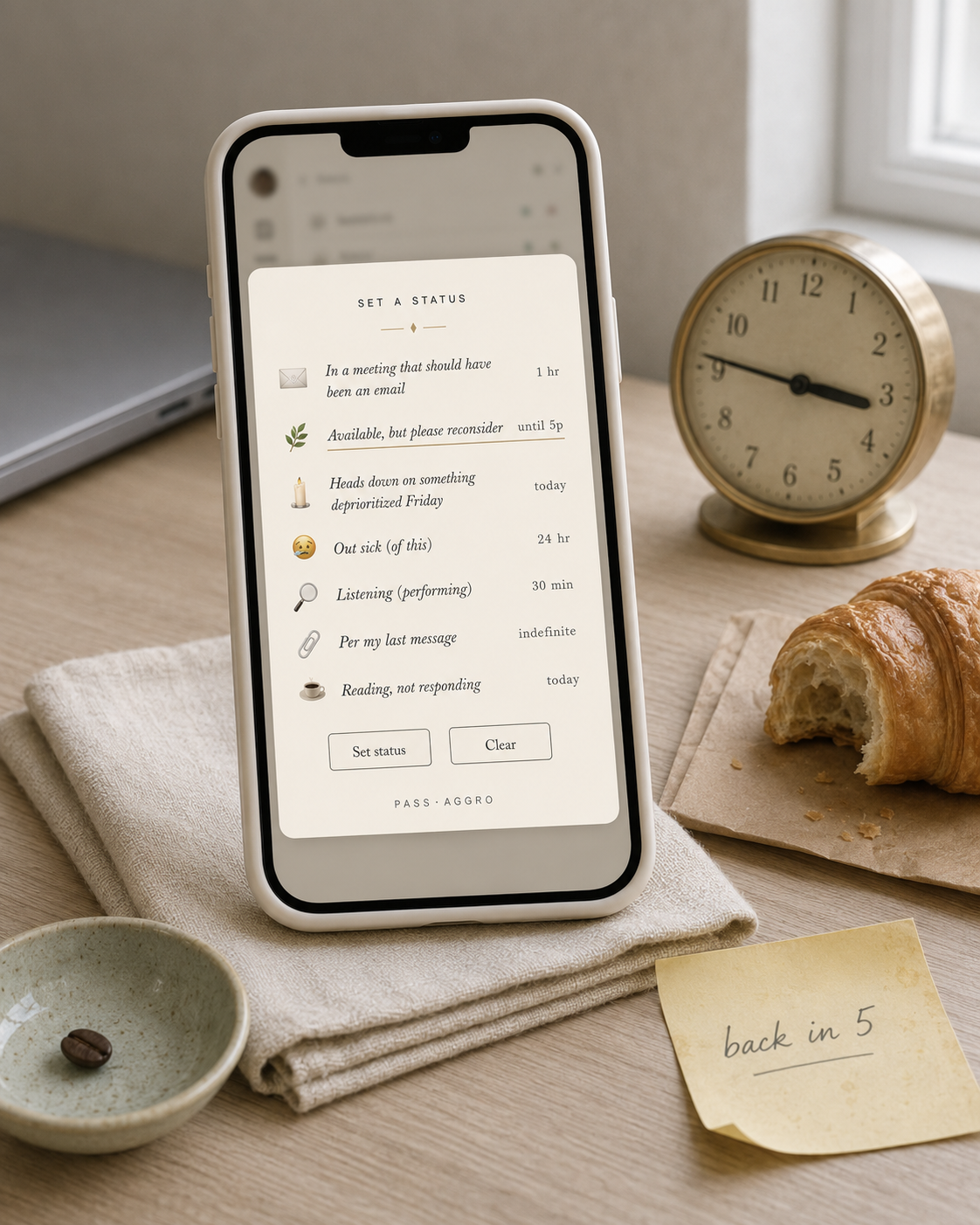
Slack & Teams · Browser · Slack · LinkedIn
The Translator
Available now Type what you want to say.
Get back the Pass-Aggro version.
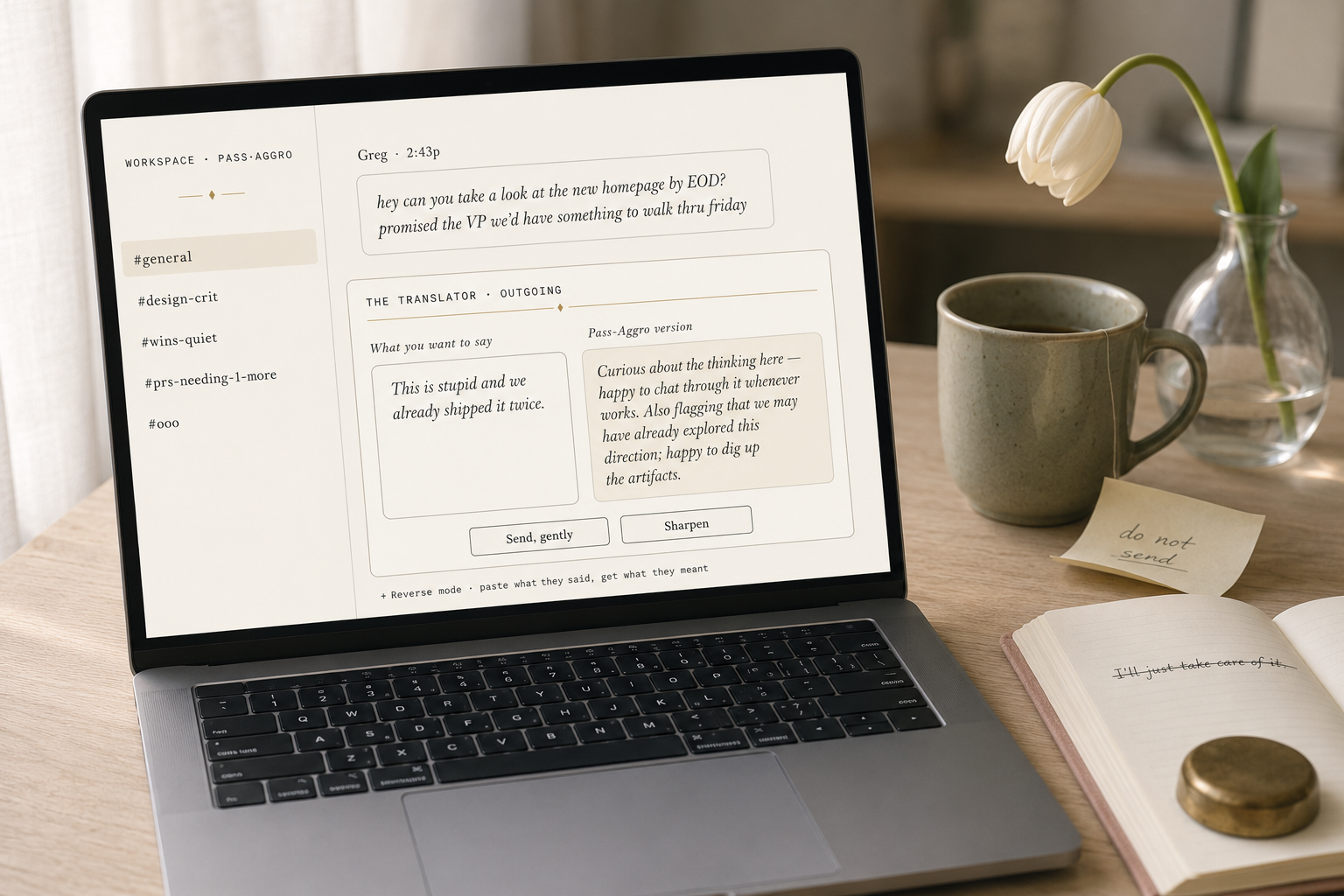
A live in-browser translator that turns honest workplace frustration into polite, deniable corporate prose. Outgoing mode rewrites your draft. Incoming mode decodes what they actually said.
What you get
- Live translator on this page (Outgoing + Incoming modes)
- Save any translation as a shareable PNG card
- Browser extension for LinkedIn congratulations prompts (in development)
- No signup; usage limit per IP if it gets out of hand
The Translator Live, on this page. Type or pick an example.
The Translator
What you want to say47 / 2000
Pass-Aggro version
Curious about the thinking here — happy to chat through it whenever works. Also flagging that we may have already explored this direction; happy to dig up the artifacts. 🌷
Click an example or paste your own. ⌘/Ctrl+Enter runs the translator.
How it works
- 01 Paste what you want to say (or what they said).
- 02 Pick a mode: Outgoing rewrites; Incoming decodes.
- 03 Translate, quietly. Copy the result or save it as a card.
Also in the Workflow